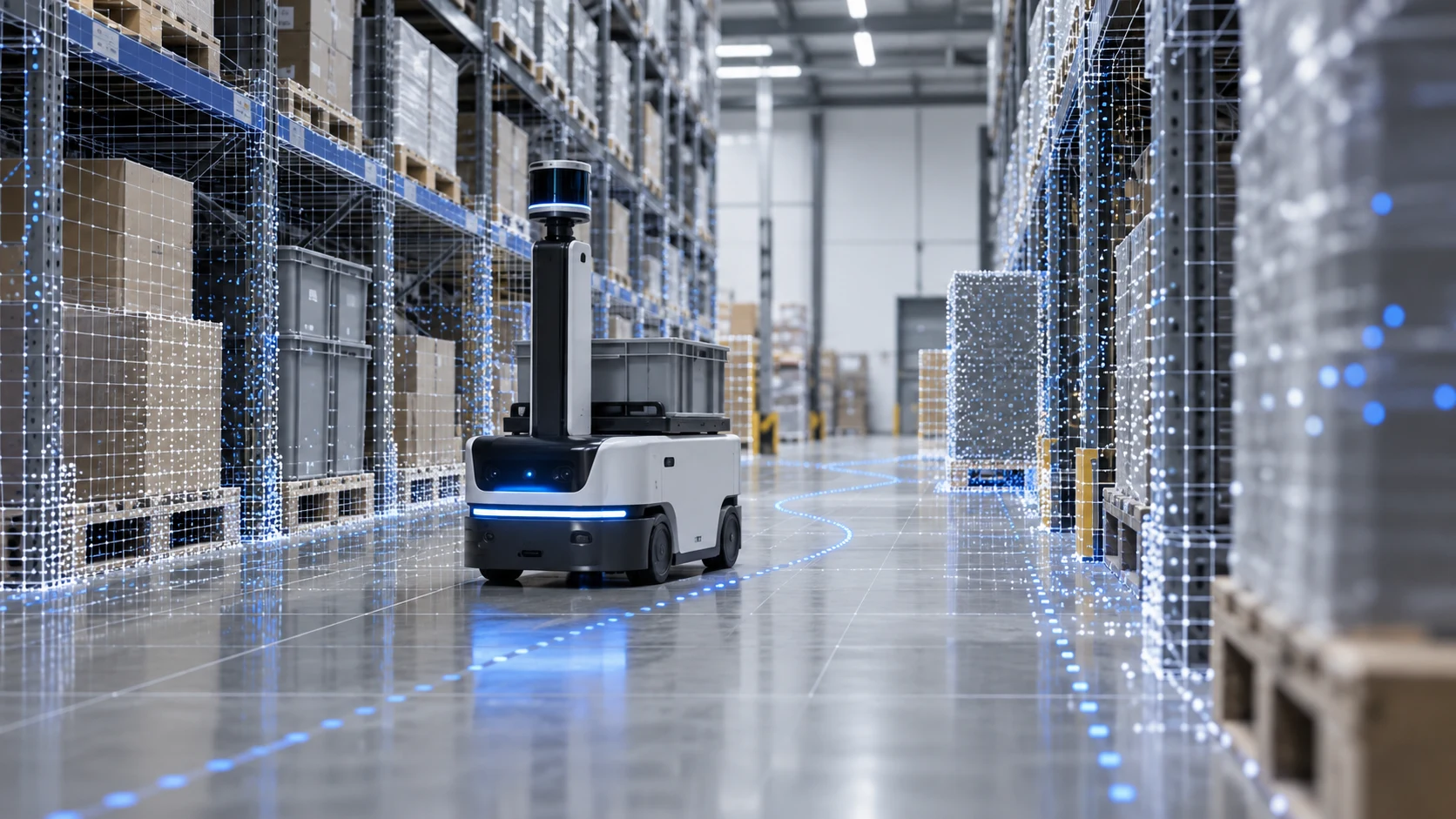
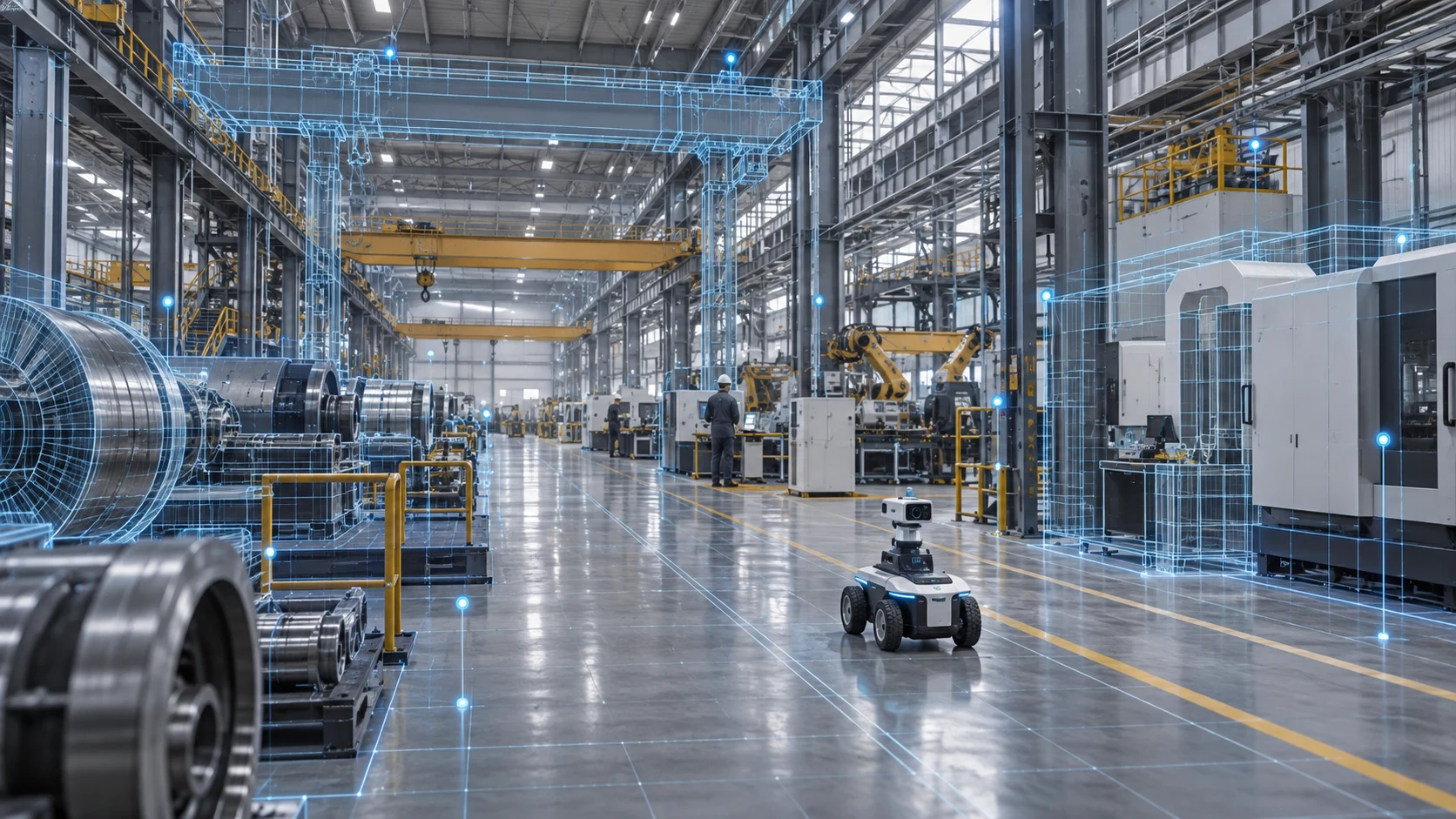
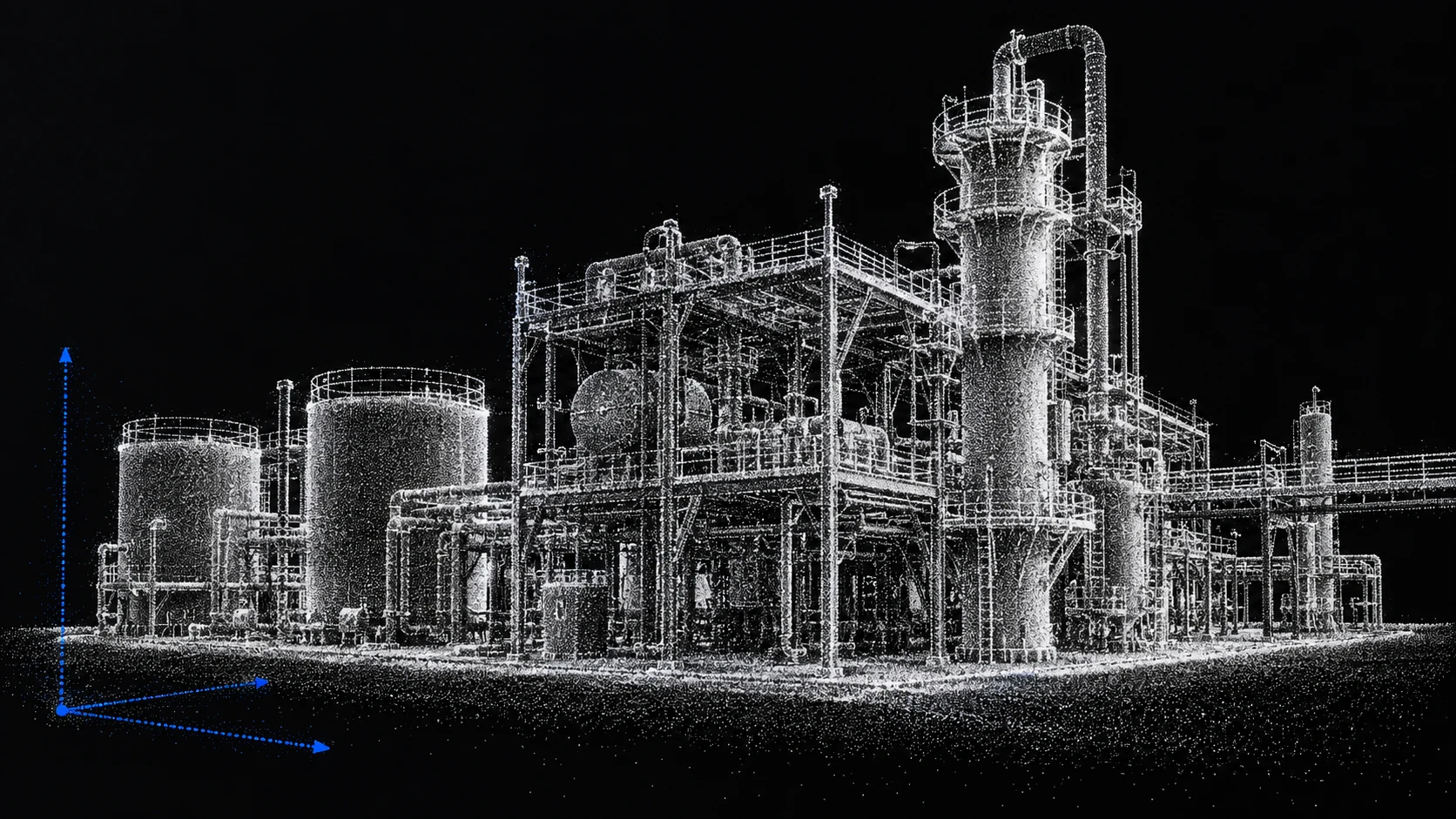
Turn real-world scenes into environments where robots can train, be evaluated and keep improving.
YUANQEE connects real-world capture, spatial reconstruction, robot configuration, task authoring, simulation evaluation and field operation to build a spatial foundation for physical AI that can be inspected.
REAL SPACE / TRAINING ENVIRONMENT / FIELD OPERATION
01
Real-world spaces
Start where the robot will actually work
02
R2S2R
Train and evaluate in the destination scene, then return to the field
03
Open integration
Connect 3DGS, robots, ROS2 and Isaac Sim
THE R2S2R LOOP
Bring real-world scenes into the training loop
Robot training should not happen only in a synthetic environment disconnected from the field. R2S2R puts the destination, robot, sensors and tasks into one reviewable loop.
The space a robot sees should match the space it needs to understand and avoid.
Build visual representation, spatial scale and task reference from the same reconstruction.
WHY REAL PLACES
Why the real site belongs in the training loop
Synthetic environments are useful for getting started, but robots ultimately face real spaces with scale, occlusion and change.
01
Synthetic environments miss site details
Aisle width, uneven floors, reflective surfaces, transparent objects and temporary obstacles can all affect how a robot performs on site.
02
Robots need a stable spatial reference
In interiors, warehouses and complex campuses, robots need to know where they are and understand the relationships between targets and obstacles.
03
Deployment needs evidence that can be reviewed
Run tasks repeatedly in the destination scene, compare paths and inspect sensor views to surface deployment issues earlier.
SPATIAL TRAINING STUDIO | Coming soon · Stay tuned
Start with one real scene
The two demos show one workflow: bring the destination into a training environment, run tasks and check the results, then decide how to deploy them to a real robot.
Spatial Training Studio
Import 3DGS scenes, meshes, a Go2 robot and RGB / Depth sensors; set goals, paths and constraints; then author tasks, run simulations and perform basic checks.
Validate joint control, gripper actions and task execution in an industrial robot simulation environment, providing a technical foundation for the loop from real space to simulation and back to the field.
The demos use example scenes and robot models. The integration scope for a project depends on the robot, sensors, simulation environment and task interfaces.
ONE RECONSTRUCTION
One reconstruction connecting vision and physics
For robot training, visual realism is only the starting point. We care whether one spatial representation can support sensor views, spatial scale and task constraints at the same time.
Visual layer
Supports camera perception, localization and scene understanding while preserving real viewpoints, materials and spatial relationships.
Physics layer
Supports path planning, contact reasoning and simulation checks by aligning traversable and potentially colliding spatial constraints in supported workflows.
THE R2S2R WORKFLOW
From real spaces to field operation
One spatial asset connects capture, reconstruction, understanding, simulation and field operation.
01
Capture the destination
Record the space, equipment, sensor views and task objects the robot will actually encounter.
02
Build the training scene
Build a scene with scale and spatial relationships from photos, video, point clouds or multimodal data.
03
Align robots and sensors
Give the robot, RGB / Depth sensors, key objects and scene one shared spatial reference.
04
Author tasks and evaluate repeatedly
Set goals, paths and constraints, then run, compare and review results in the destination scene.
05
Return to the field and keep updating
Use real operational data to refine the scene, tasks and evaluation criteria so the training environment keeps up with the field.
WHERE IT STARTS
Start with one robot and one real-world scene
Choose the right training and evaluation approach for the robot, environment and task.
Humanoid robots and mobile manipulation
Validate visual navigation, path planning and task execution in real interiors and complex workspaces.
Warehouse and site mobility
Localize, plan paths and perform safety checks around real corridors, obstacles and target locations.
Industrial inspection and manufacturing sites
Bring factories, production lines and equipment spaces into training and review to check field tasks earlier.
CAPABILITY BOUNDARY
What we can validate today, and what comes next
We separate current capabilities, technical validation and active R&D so every collaboration starts with a clear boundary.
Reality capture and 3DGS scenes
Technical foundation in place
Capture real-world data and generate browsable 3DGS scenes.
Spatial Training Studio
Coming soon · Stay tuned
Used to import scenes, robots and sensors for task authoring, simulation runs and basic checks.
ROS2 / Isaac Sim integration
Technical validation
A demo is available; the integration scope depends on the robot, sensors and task interfaces.
R2S2R and Physical AI
Coming soon · Stay tuned
Ongoing research into the loop between real spaces, task data and field operation.
FAQ
A few questions before you begin
What kind of site data is needed?
You can start with photos, video, point clouds or multimodal records. The capture method depends on the site scale, task objective, sensor setup and spatial representation required.
What can Spatial Training Studio do today?
It currently supports importing 3DGS scenes, meshes, robots and RGB / Depth sensors for task authoring, simulation runs and basic checks. It remains in development.
Does it support ROS2 and Isaac Sim?
We have a ROS2 / Isaac Sim technical validation demo. The integration scope depends on the robot model, sensors, simulation environment and task interfaces.
Can simulation results be used directly on a real robot?
Simulation results should not be treated as automatically ready for the field. We first check tasks and safety in the destination scene, then determine deployment and update paths based on the robot, equipment and site conditions.
NEXT STEP
Make one real environment trainable first
Start with one space, one robot or one task, and define a practical path from capture and training to evaluation and field operation.